Updated
ERP vs accounting software: the signs you have outgrown your bookkeeping tool
Accounting software records transactions and produces the reports your tax advisor needs. An ERP runs the processes that create those transactions: orders, purchasing, stock, approvals, payroll and planning, on one data model. You have outgrown accounting software when the work around it, in spreadsheets, email and second tools, takes longer than the bookkeeping itself, and when management questions can no longer be answered from the books.
Most German companies do not leave their accounting tool because it fails. They leave because the company grew around it. The useful question is how to move to an ERP without breaking the one relationship that already works: the monthly handover to your tax advisor (Steuerberater).
What does accounting software do well, and where does it stop?
Basic accounting tools are good at what a young company needs. They pull in bank transactions, suggest categories, write invoices, track open items and produce a profit and loss statement. Many founders also run a DATEV-only setup, where the tax advisor books everything and the company sends receipts. For a small GmbH with one bank account and one revenue stream, that is the right amount of system.
The limit is structural. Accounting software sees money after it has moved. It does not know the purchase order behind a supplier invoice, the stock that left the warehouse, the contract that defines when revenue counts, or the budget a cost centre owner agreed to. That context lives somewhere else, usually in spreadsheets, and someone has to bring it to the books by hand.
As long as the volume is small, that someone is the founder or one finance person, and it works. The problem starts when the context outgrows the person.
What are the signs that you have outgrown it?
Revenue alone is a weak signal. A large consultancy can be well served by accounting software, while a much smaller hardware company with inventory may not be. Look at where the hours go instead:
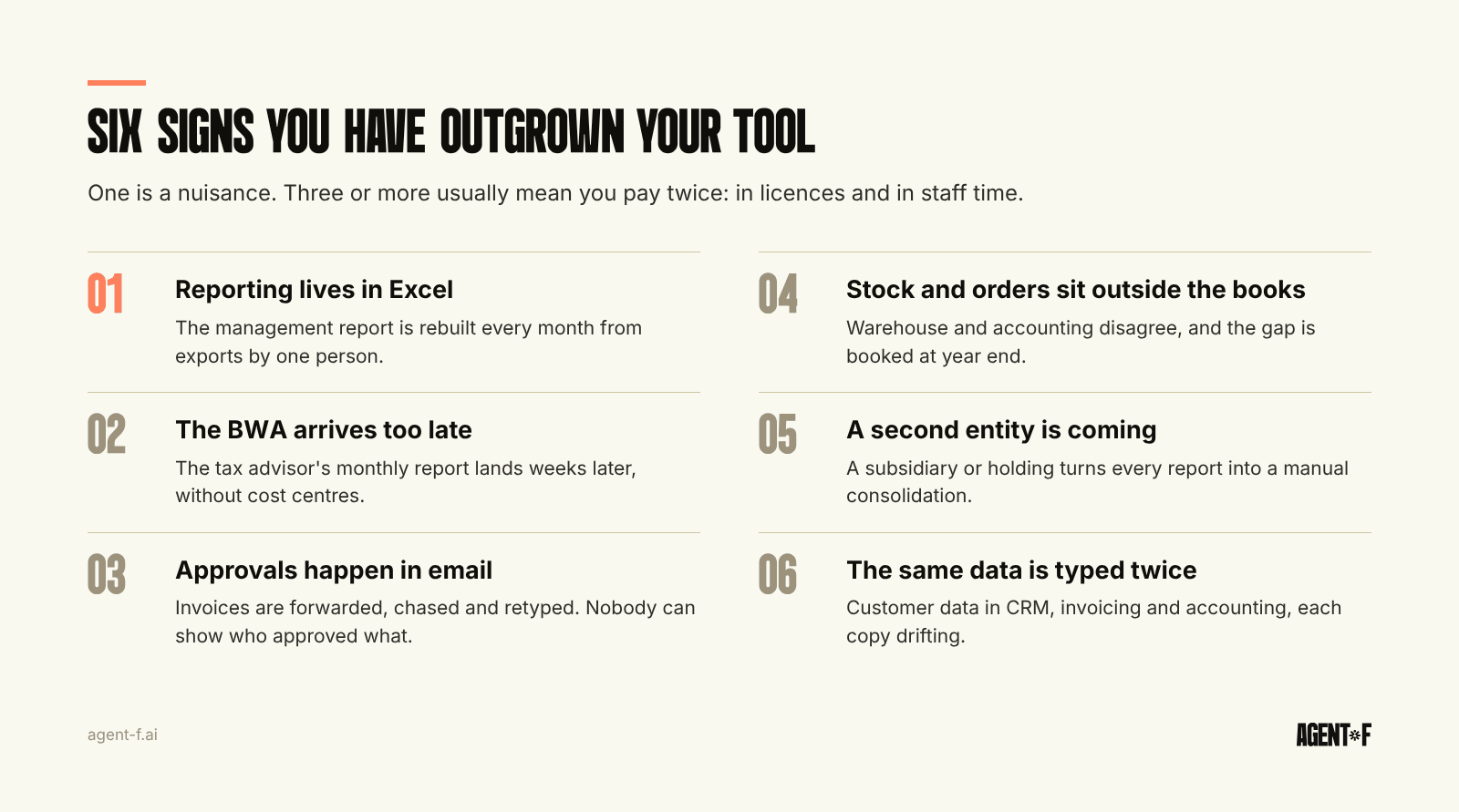
- Reporting lives in Excel. The management report is rebuilt every month from exports, and only one person knows how the formulas work.
- The BWA (the monthly management report from your tax advisor) arrives too late to act on. By the time it lands, the month is long gone, and it does not show cost centres or projects.
- Approvals happen in email. Invoices are forwarded to approvers, chased and then retyped, so nobody can say what was approved, by whom and when.
- Stock and orders sit outside the books. The warehouse has one number, accounting has another, and the difference is booked as an adjustment at year end.
- A second entity is coming. A new subsidiary, a foreign branch or a holding structure turns every report into a manual consolidation.
- The same data is typed twice. Customer data in the CRM, again in invoicing, again in accounting. Every copy can drift.
One of these is a nuisance. Three or more usually mean the company is paying for its tools twice: once in licences and once in staff time. We describe how these workarounds pile up in ERP complexity debt.
When is staying with your accounting software the right decision?
Staying is a valid choice. If your books are correct, your tax advisor is happy, you have one entity and no inventory, and the main gap is a single report, fix the report. A better export, a cleaner chart of accounts or a planning spreadsheet that reads from the books may be enough.
The legal side rarely forces the change. A GmbH is a merchant by legal form (§ 6 HGB) and must keep double-entry books under § 238 HGB from day one, whichever tool it uses. Sole traders and partnerships move from the simpler cash-based EÜR to double-entry bookkeeping once they exceed 800,000 euros of turnover or 80,000 euros of profit, under § 141 AO and § 241a HGB. Any decent accounting tool handles double entry. The trigger for an ERP is operational, not legal.
Set a review point instead of deciding forever. Write down which signs you see today and which future event would change the answer: a second entity, a warehouse, a funding round with investor reporting, or a finance team that grows beyond two people.
What changes for your tax advisor when you move to an ERP?
This is where most companies hesitate, and with reason. In Germany the tax advisor often does the bookkeeping, the advance VAT return, payroll and the annual accounts, all in DATEV. A system change that disturbs this rhythm costs more than it saves.
The good news is that the relationship does not have to change much. What changes is who does which step. With an ERP, invoices, bank matching and most bookings happen inside the company, close to the people who know the context. The tax advisor receives a clean DATEV export each month, reviews it, and keeps the work that needs their expertise: the tax position, the annual accounts and the tax returns. For the advisor, structured data is easier to review than a box of receipts.
Three things are worth agreeing before you switch. First, the chart of accounts: if your advisor works with SKR04 (the standard DATEV chart of accounts for corporations), your ERP should use it or map to it cleanly. Second, the handover format and date each month. Third, who documents the process. The GoBD (German digital bookkeeping rules) expect a process documentation (Verfahrensdokumentation) that describes how documents enter the system and how bookings are made. A new system means a new version of that document. How to split the work is covered in working with your tax advisor.
How do you switch without a year-long project?
Legacy ERP projects are known for taking 12 to 18 months, and many companies keep postponing the system change for exactly that reason. It does not have to be a single big cutover.
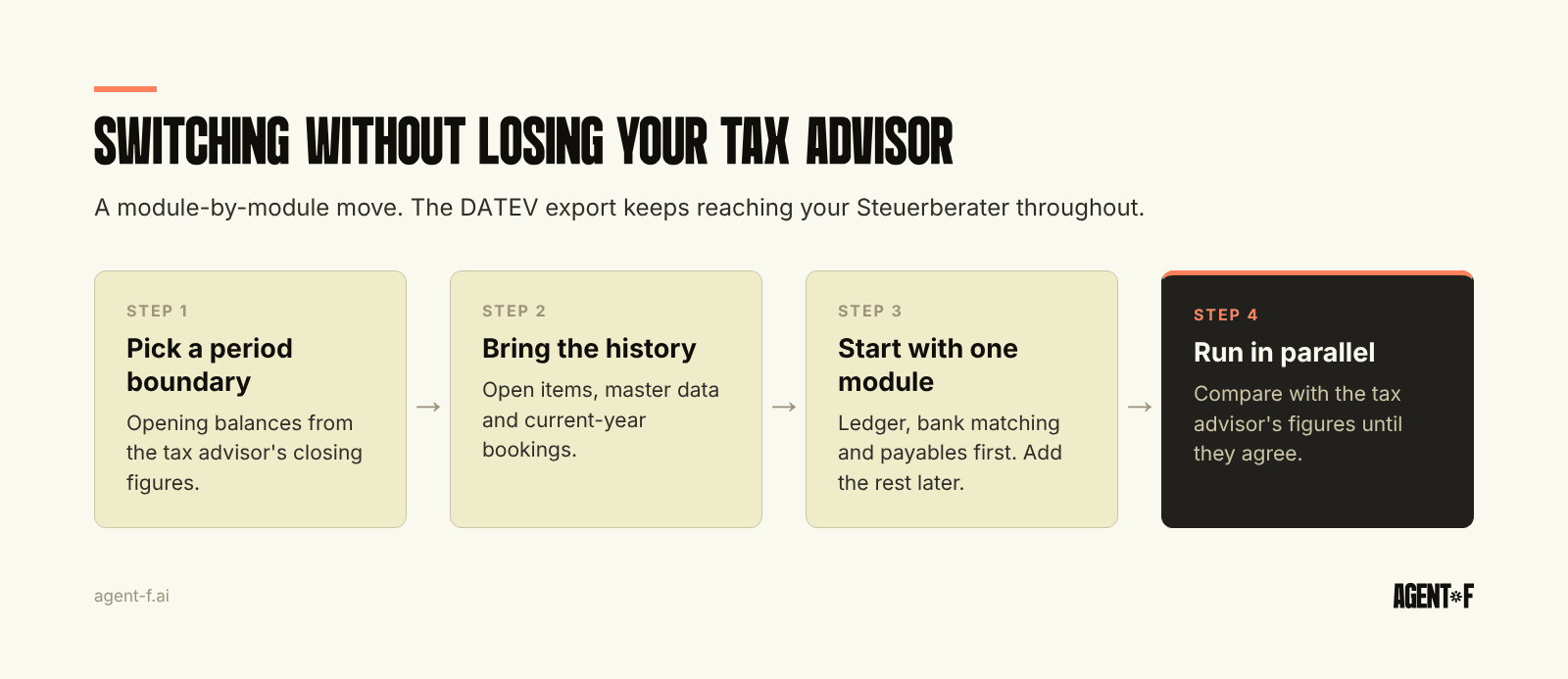
- Start at a period boundary. The start of a quarter or financial year gives you clean opening balances from the tax advisor's closing figures.
- Bring the history. Import open items, customer and supplier master data and at least the current year's bookings, so comparisons and reports work from the first month. The details are in ERP migration and cutover.
- Run one module first. Usually the general ledger with bank matching and accounts payable. Add receivables, expenses, procurement or inventory once the basics run without surprises.
- Run in parallel for a few months. Compare the ERP's results with the tax advisor's figures until they agree month after month. Only then switch off the old process.
The old accounting tool does not disappear on the day you switch. Under § 147 AO and the GoBD, the old data must stay readable for the full retention period, so keep access or an archived export your tax advisor can open.
How does Agent F help you move from accounting software to an ERP?
Agent F is an AI-native ERP that starts where accounting software stops. Finance, operations and people run on one data model, so an order, a goods receipt, a supplier invoice and the payment are linked records rather than files in different tools. The difference to adding modules around an old system is explained in what an AI-native ERP is.
The move itself is configured for your company by our ERP Factory, not copied from an industry template. Implementation typically takes 4 to 10 weeks, and the onboarding period, typically three months, runs in parallel with your current setup. Your subscription starts when the system is stable.
In daily work, Agent F suggests the account, cost centre and VAT treatment for each invoice and bank transaction from your own booking history, with a confidence score. A person approves, and every step is recorded in an immutable audit trail. Reconciliation accuracy typically reaches 90 percent or more by month three. The general ledger follows HGB and GoBD with SKR04 as standard, data is hosted in Germany, and the DATEV export goes to your tax advisor as before. Teams in this position often go from a monthly close of 5 to 10 days to 1 to 2 days.
Before you talk to any vendor, list the six signs above and mark which apply. Ask your tax advisor what they would need from a new system, and write it down. Pick the period boundary you would switch at, and use a scorecard such as our ERP selection criteria to compare options on your own data rather than a sample company.
Learn how Agent F works, or see it on your own books at agent-f.ai/demo.
This article is for general information only and does not constitute tax or legal advice. Parts of it were generated with AI. Please consult your tax advisor or legal counsel before acting on it, and feel free to reach out at team@agent-f.com with any questions or for support.